Firefox Search Bar Show Engine Names – userChrome.css Style Builder
You can use this page to select your options and generate CSS you can copy/paste into a userChrome.css file (based on the user style Firefox Search Bar Show Engine Names). For more information on using this custom style rule in a userChrome.css file:
IMPORTANT: This style changes the appearance of the bar, but not how it functions.
May 6, 2018:Currently, userstyles.org no longer allows seamless background retrieval of styles saved there, so until this page is rebuilt, you will need to add a step to get the generated code (see buttons/links below the options).
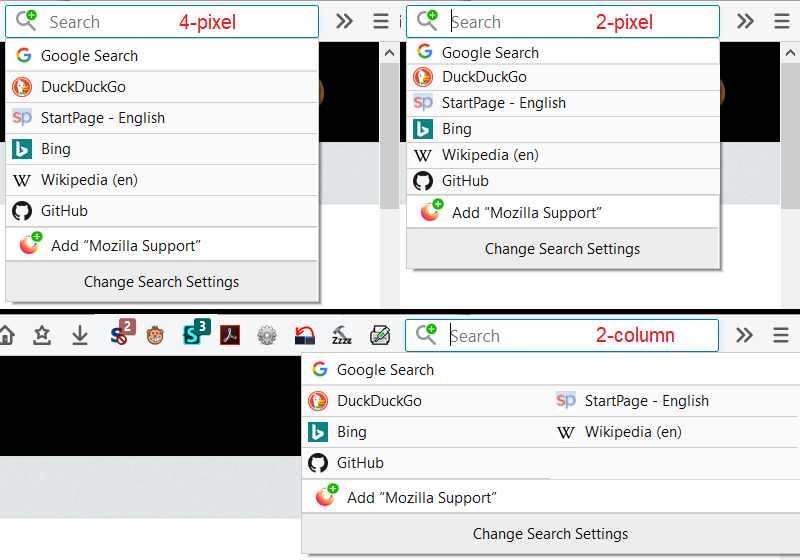
Vertical spacing and columns:
Hide the "Search for..." line above the non-default search engines?
Hide the "Add ..." line for a site's own search engine (and the green + on the icon)?
Hide the "Change Search Settings" line at the bottom?
Show "Search using ..." tooltip text in or above the search box?
Drop-down Color Scheme (Adapt to Light/Dark browser themes)