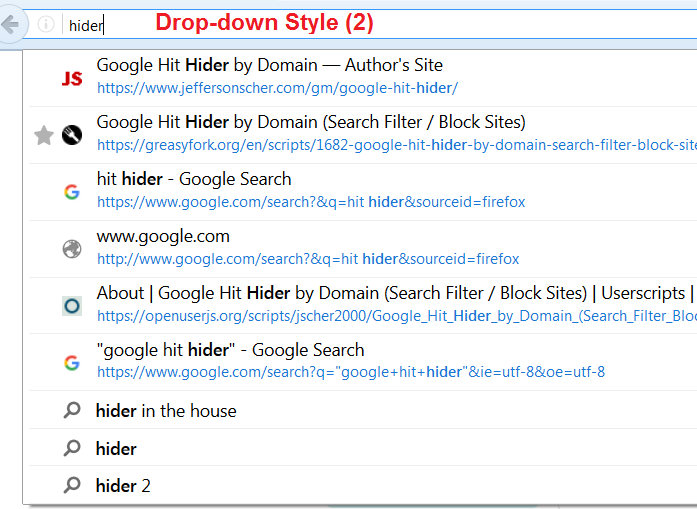
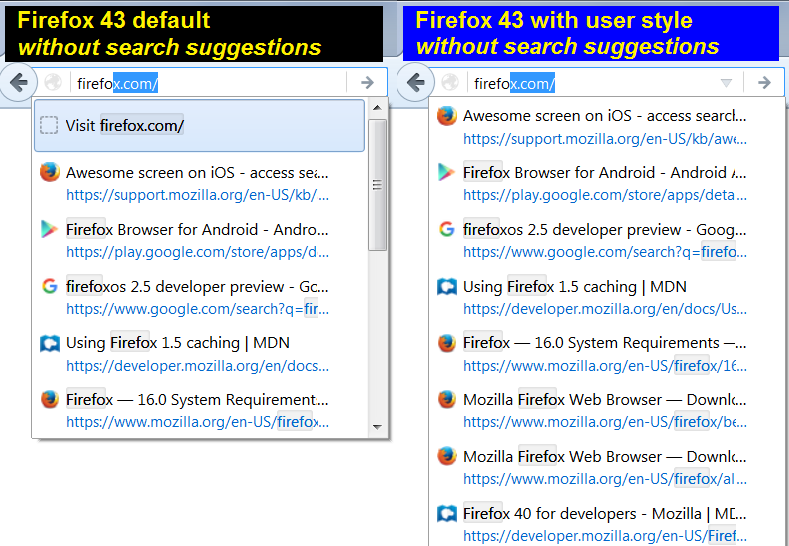
The "Show CSS Code" feature on userstyles.org doesn't update to reflect your settings. While that is broken, you can use this page to select your options and generate CSS you can copy/paste into a userChrome.css file. For more information on creating a userChrome.css file, see: How to Create a userChrome.css File.
May 6, 2018: Currently, userstyles.org no longer allows seamless background retrieval of styles saved there, so until this page is rebuilt, you will need to add a step to get the generated code (see buttons/links below the options).
July 8, 2019: Firefox 68 support in progress. Note: do not declare the XUL namespace with this style code. You might prefer to use @import. See: https://www.userchrome.org/adding-style-recipes-userchrome-css.html.
BROKEN IN FIREFOX 72! |
|||
Width: |
Width: |
Width: |
N/A |
Title and URL font size: |
Top/Bottom Position and Font Size: |
Title and URL font size |
N/A |
| All Versions/Styles | For the Firefox 48+ Styles | |
|---|---|---|
Hide the Visit / Search top row ? |
Got Quantum (Photon UI refresh)? |
|
CSS to be shown here
Copyright © 2019 Jefferson Scher (BSD-3-Clause License or CC-BY License). FileSaver.js © 2016 Eli Grey (MIT License).